
Grimoires Era Broom Guide
Once you have your first grimoire, return to Hayvale to unlock the Basic Broom. The Broom Instructor gives you a gathering quest and runs the three-part flight test.
Give the Broom Instructor 5 Wild Wheat and 2 Wood, then choose Start. Hit the green center three times in Take Off, balance for 6 seconds, and fly through all 4 rings to unlock Basic Flight. Select Broom in Gameplay → Flight. On PC, press R to mount or dismount and hold Alt to boost. On mobile, tap Dash while mounted to toggle fast flight.
Unlock Basic Flight with the Broom Instructor
After getting your first grimoire, head back to the starting area in Hayvale. Look for the Broom Instructor beside a house with a gold exclamation mark above the NPC. Walk up, press E, and choose Next in the dialogue to accept Broom Materials.
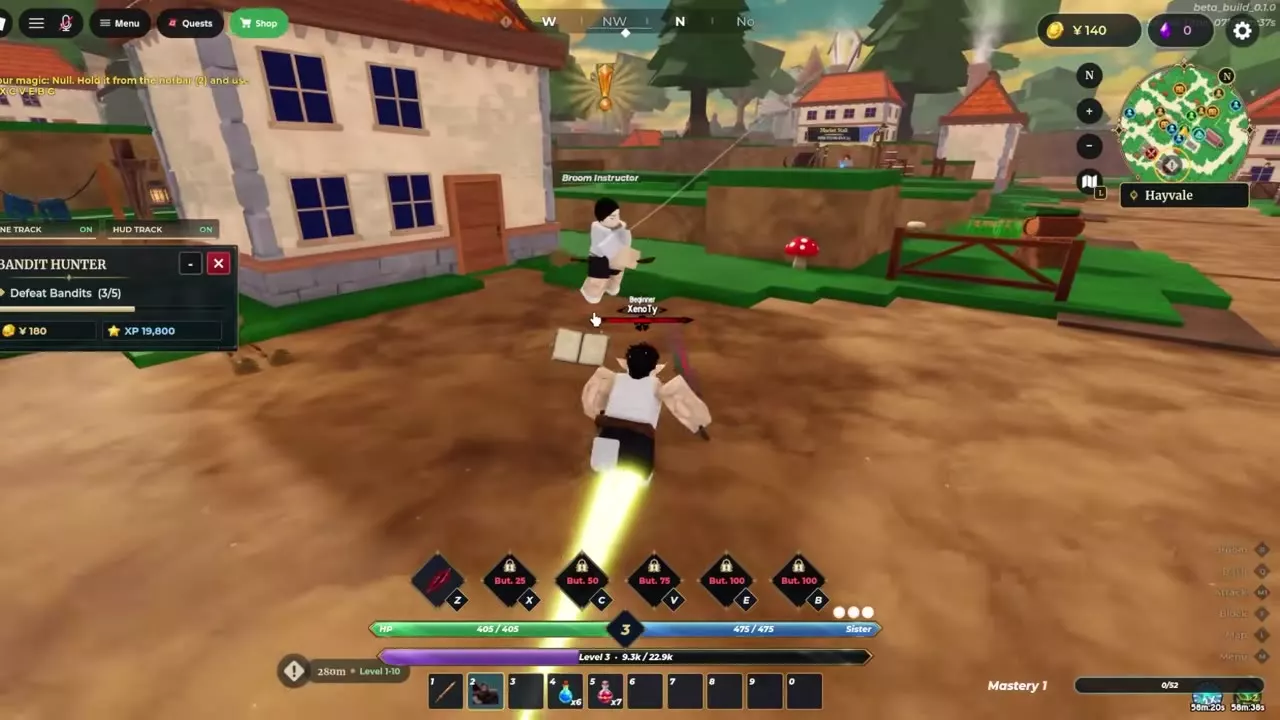
1. Gather Five Wheat and Two Wood
- Gather 5 Wild Wheat. Follow the quest marker into the Hayvale fields and press E beside a glowing golden wheat plant. Press E again when the moving dot enters the green segment of the timing ring. Check the quest counter after each pickup. If it already reads 2/5, gather 3 more. At 5/5, the objective changes to Chop Wood.
- Chop 2 Wood. Follow the new marker to the stump and press E at the Chop prompt. Move the axe over the glowing line and click. Check the Wood pickup and keep chopping until the tracker tells you to return to the instructor.
- Turn in Broom Materials. Return to the Broom Instructor to finish the quest. Speak to the instructor again and choose Start to begin Flight Training.
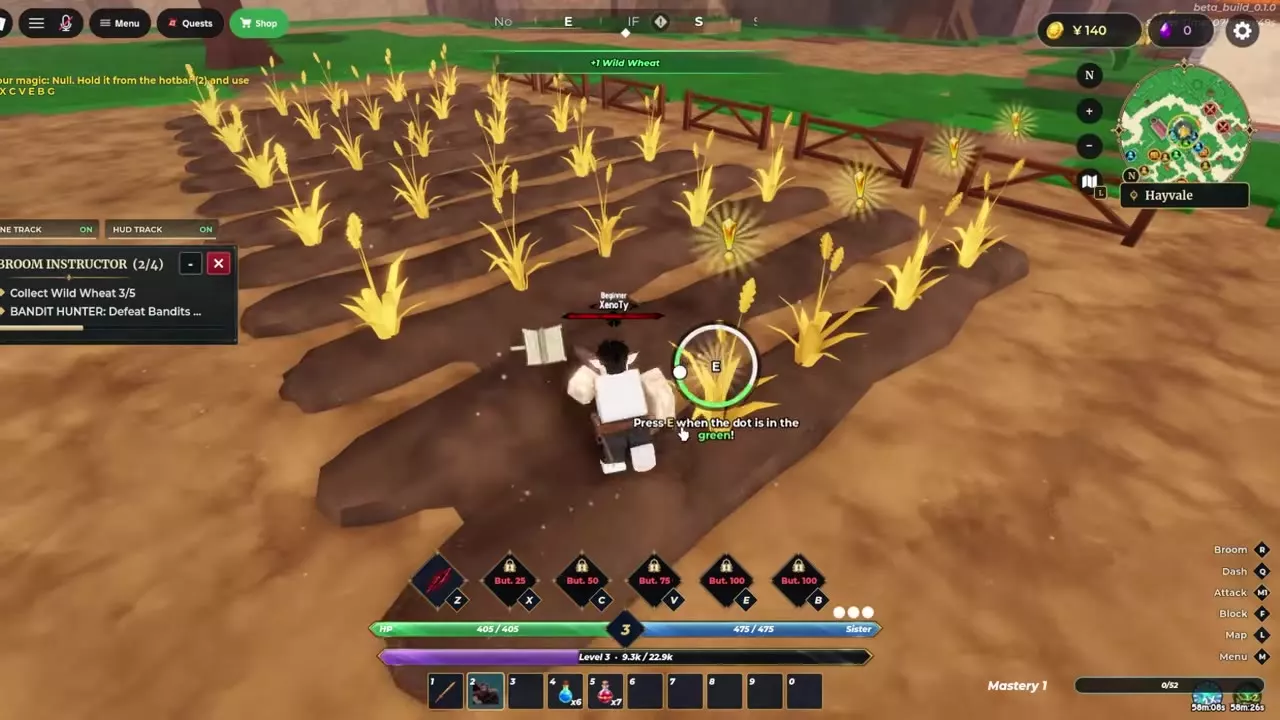
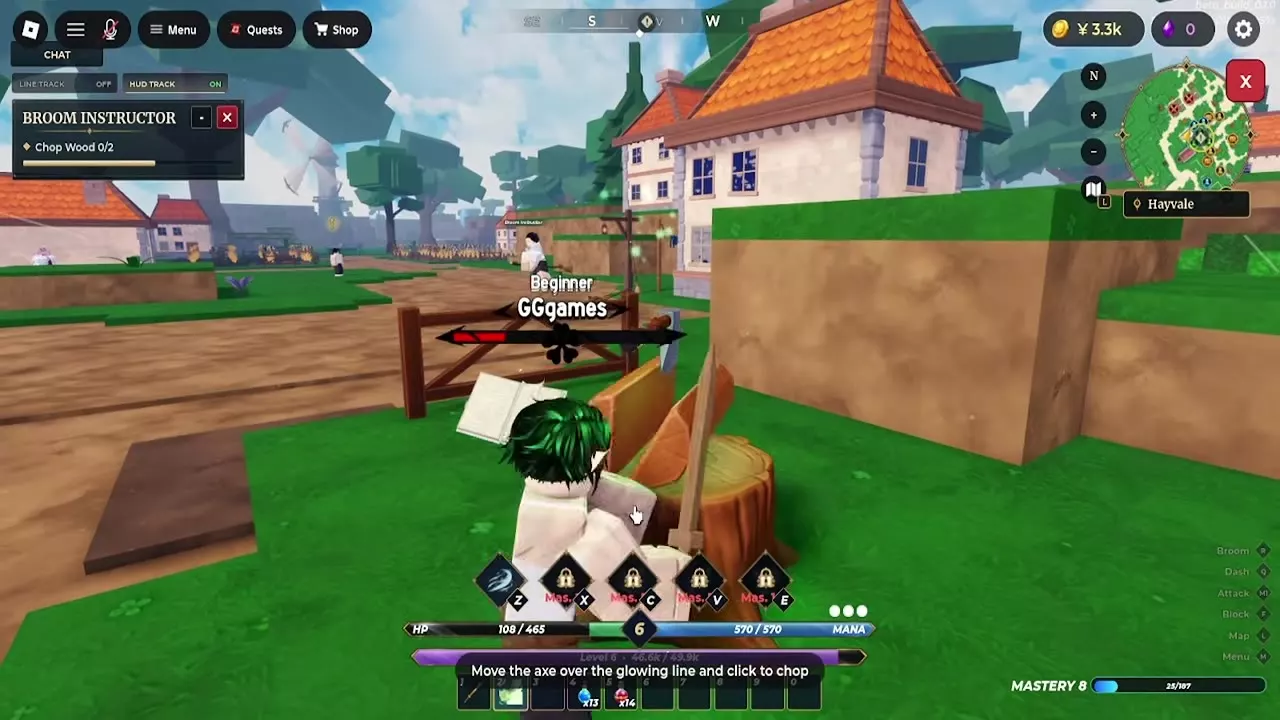
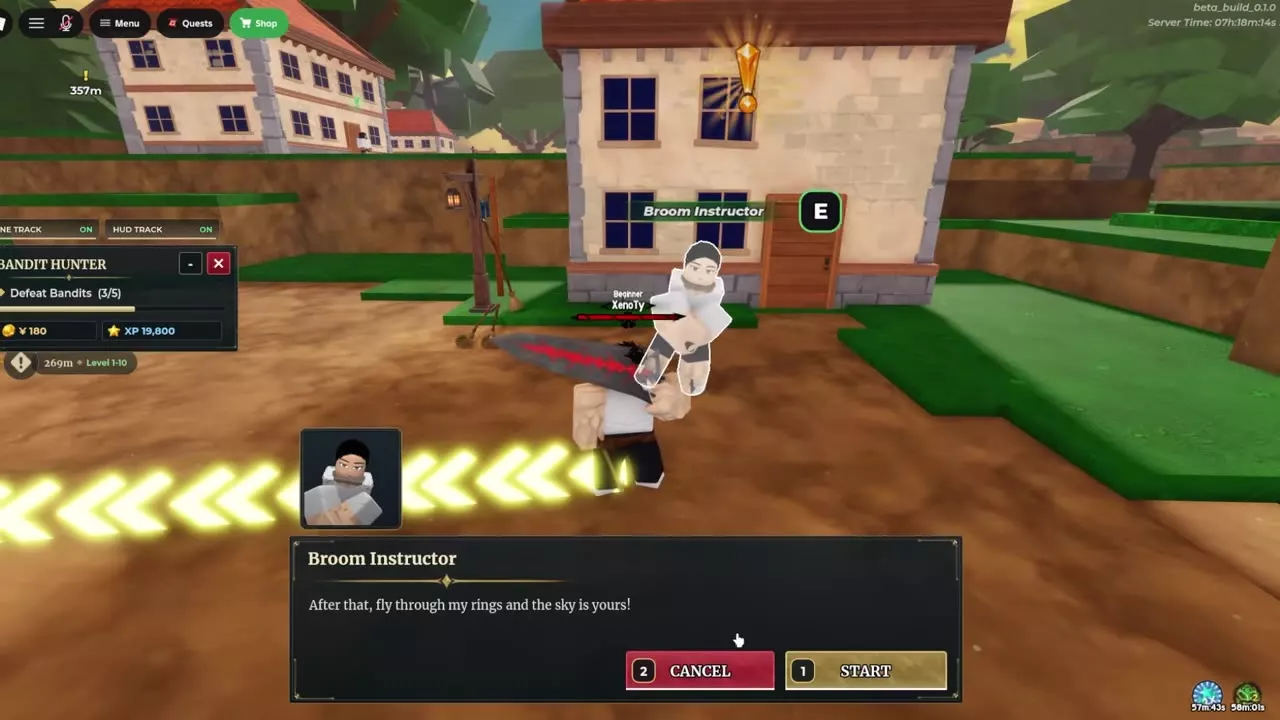
2. Complete Take Off and Balance
- Take Off. Press Space or click when the moving marker reaches the green center of the bar. Each hit lights up one circle. Get three hits to trigger Liftoff! and move on to Balance.
- Balance. Use A and D, or the Left and Right Arrow keys, to steer the marker back toward the green center as it drifts. Keep it there until the 6-second progress bar fills and Nice! confirms the pass.
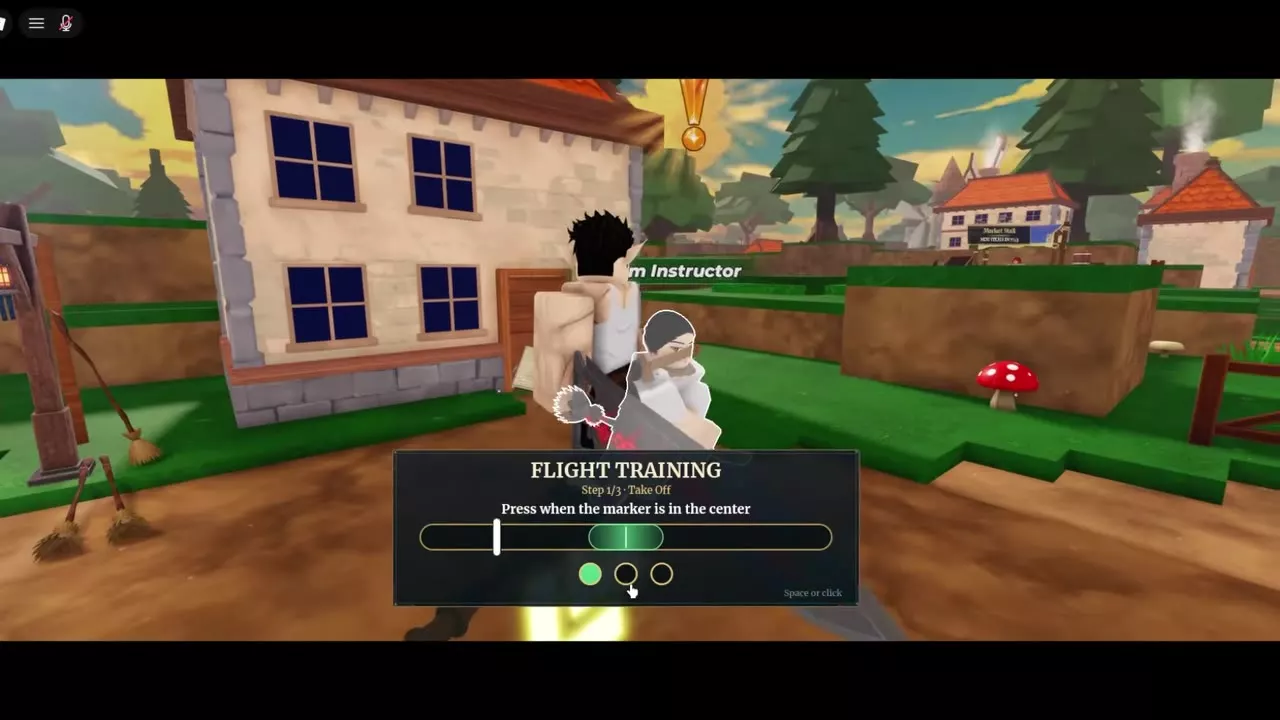
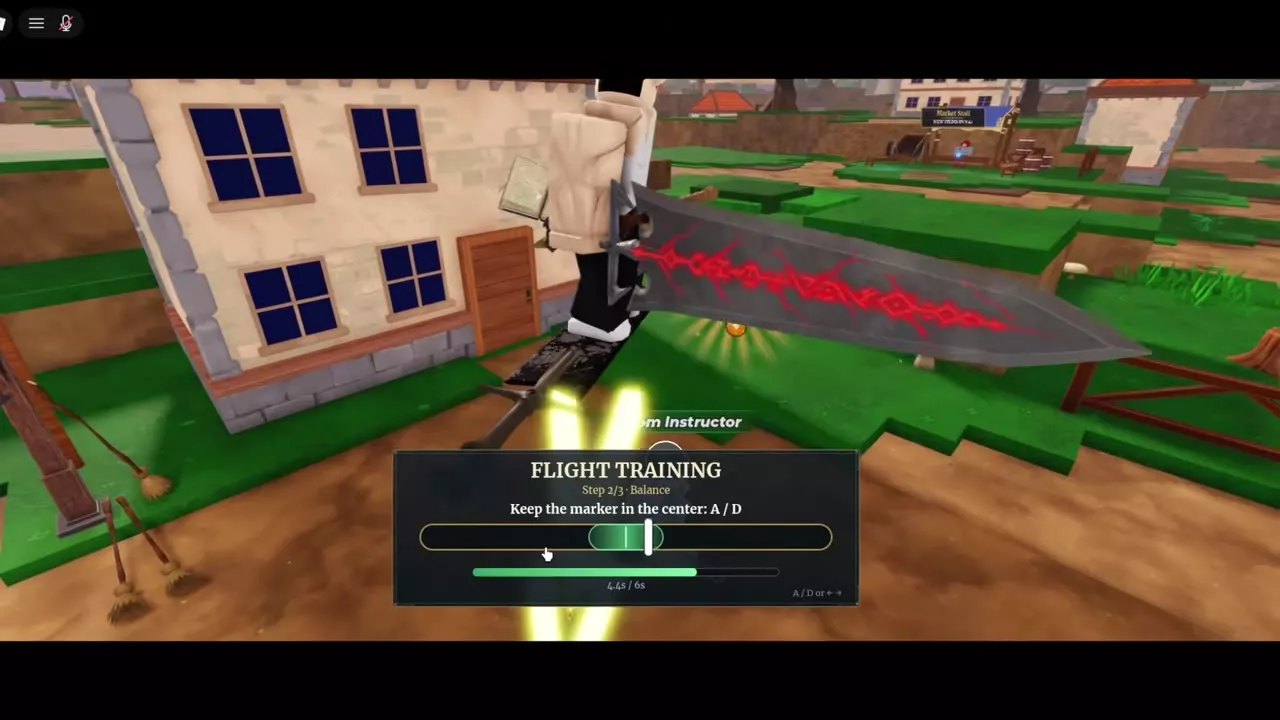
3. Fly through Four Rings
Steer through the centers of the four purple rings above Hayvale. Watch the Rings counter at the top of the screen as you pass through each one. If the count stays the same, line up with the opening and fly through it again. The fourth ring triggers Basic Flight Unlocked!

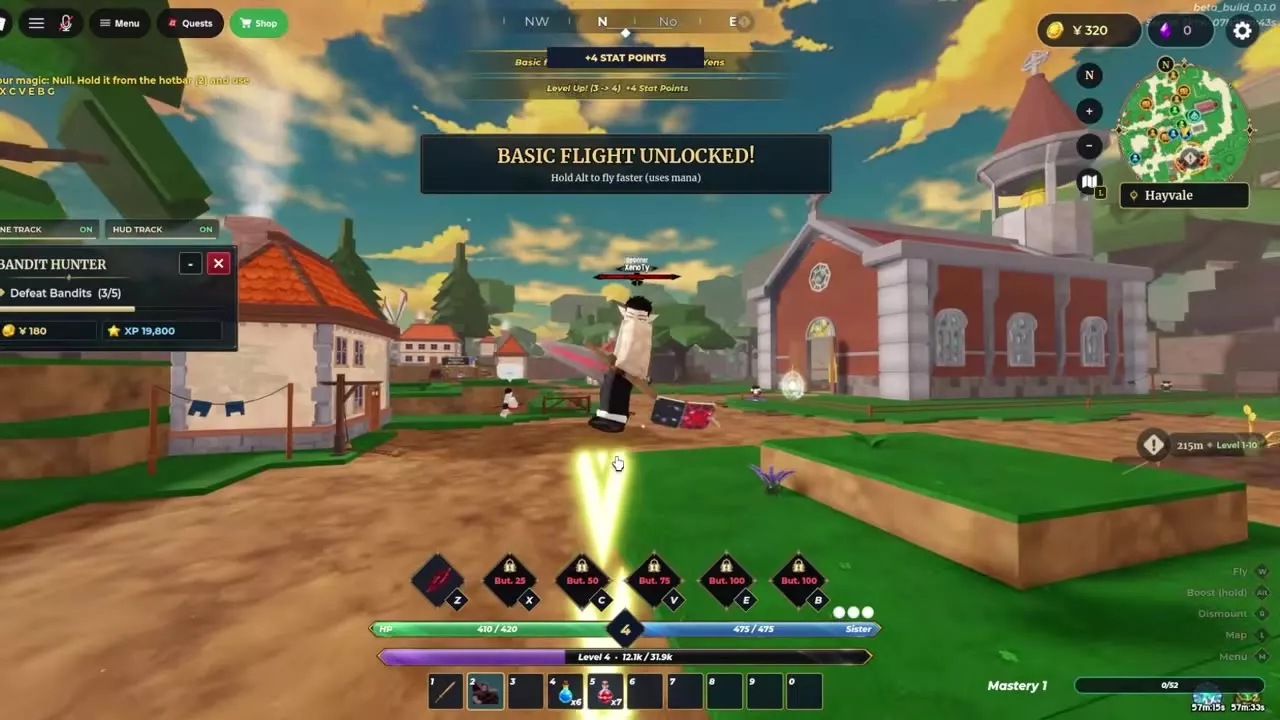
Mount, Boost and Dismount
Open Settings → Gameplay and choose Broom in the Flight row. This setting selects your flight method from Grimoire, Broom, and Race.
| Action | PC | Mobile |
|---|---|---|
| Mount | R | Tap Fly |
| Fly forward while mounted | W | |
| Boost while mounted | Hold Alt | Tap Dash to toggle |
| Dismount | R | Tap Dismount |
On mobile, tap Dash again to return to normal flight speed.

Mana, Elevated Passages and Mounted Attacks
- Save Mana for the end of a crossing. Boost spends Mana, and running out can force you off the broom. Ease off the boost when the gauge gets low and aim for safe ground before dismounting. Pause on safe ground to recover Mana before the next stretch.
- Look up for dungeon passages. In Mana Dungeon, fly up to high openings to reach corridors above the floor of the hall. Save enough Mana to reach the opening before you come down.
- Cast from the broom. You can use grimoire skills and Katana Cut while mounted. Use the height to keep your distance from ground targets, watch for ranged attacks, and leave enough Mana for both your spells and the flight out.
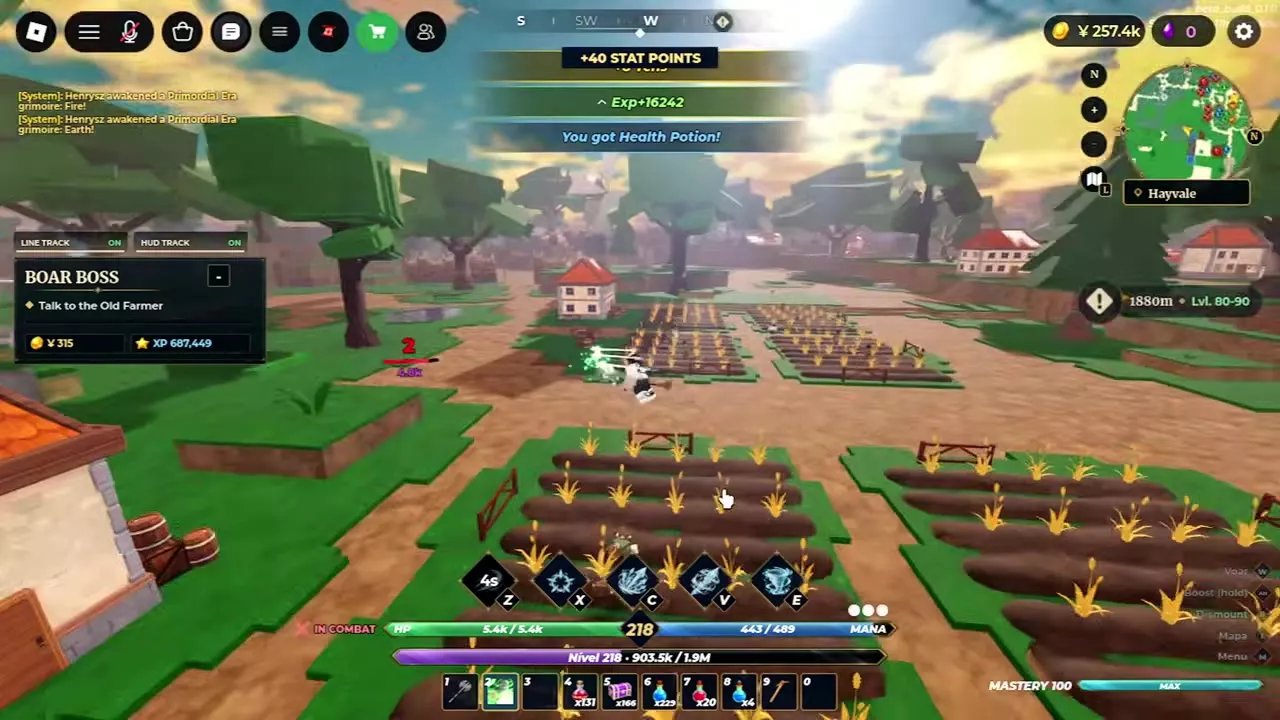
Travel Routes and Dungeon Passages
- Set a route to a landmark or NPC before taking off. World Map, Locations and NPCs
- Use a Transport Guild portal for a long trip when your destination is unlocked. Fast Travel Destinations, Levels and Fares
- Find the dungeon entrance and follow the passages through the six rooms. Mana Dungeon Guide