
Grimoires Era Combat Controls and Mana Techniques
Switch between your weapon and grimoire in Grimoires Era, use the right controls for your platform, and learn how to guard against magic.
Use M1 for basic attacks. Press 2 on PC or tap Magic on mobile to equip your grimoire, then use an unlocked skill on the active hotbar. Move outside red boss attack markers before attacking again. Climb the volcano on foot during Volcano Quest to learn Mana Skin and unlock magic blocking. In Update 1.1, active Mana Cover boosts M1 damage by 15%.
Weapons, Magic and the Active Hotbar
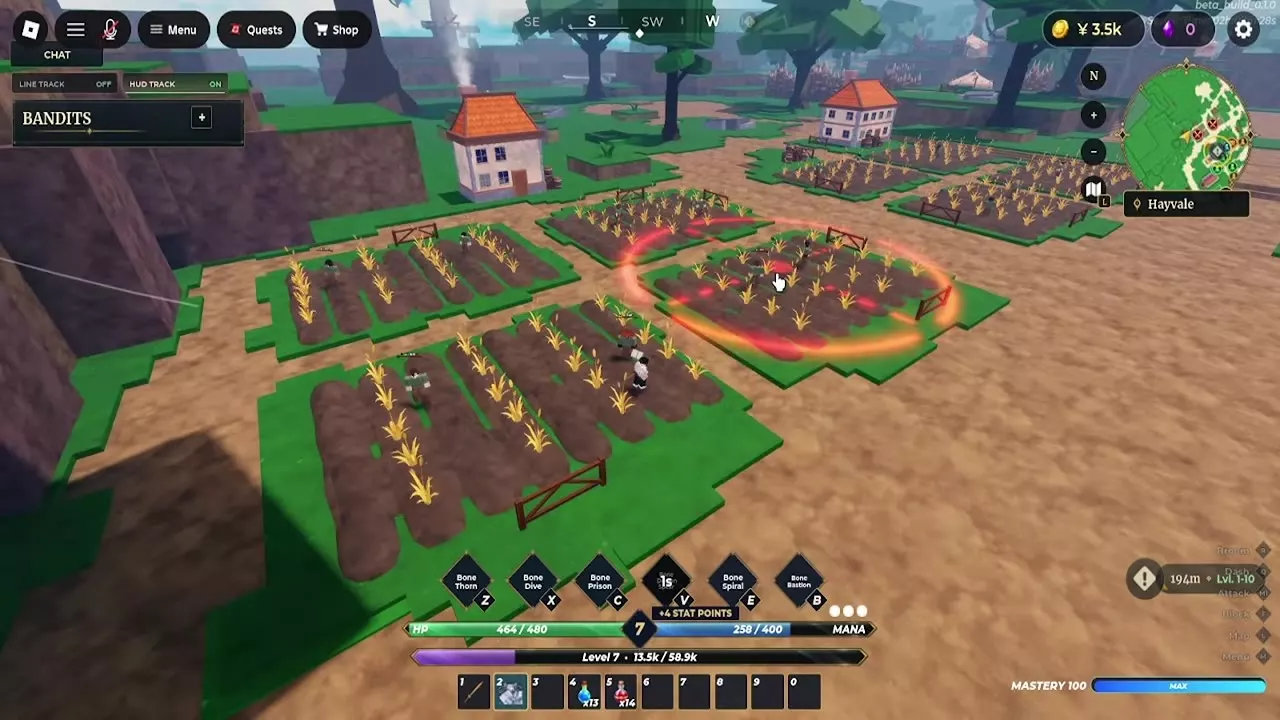
Select your equipped weapon for M1 basic attacks and weapon skills. Press 2 on PC or select Magic to bring up your equipped grimoire. Use the key or button shown on the active skill icon. A lock marks a skill you still need to unlock, and a countdown tells you how long until you can cast again. Watch the Mana gauge as you use spells.
- Short-range skills. Step into range before casting so the attack connects.
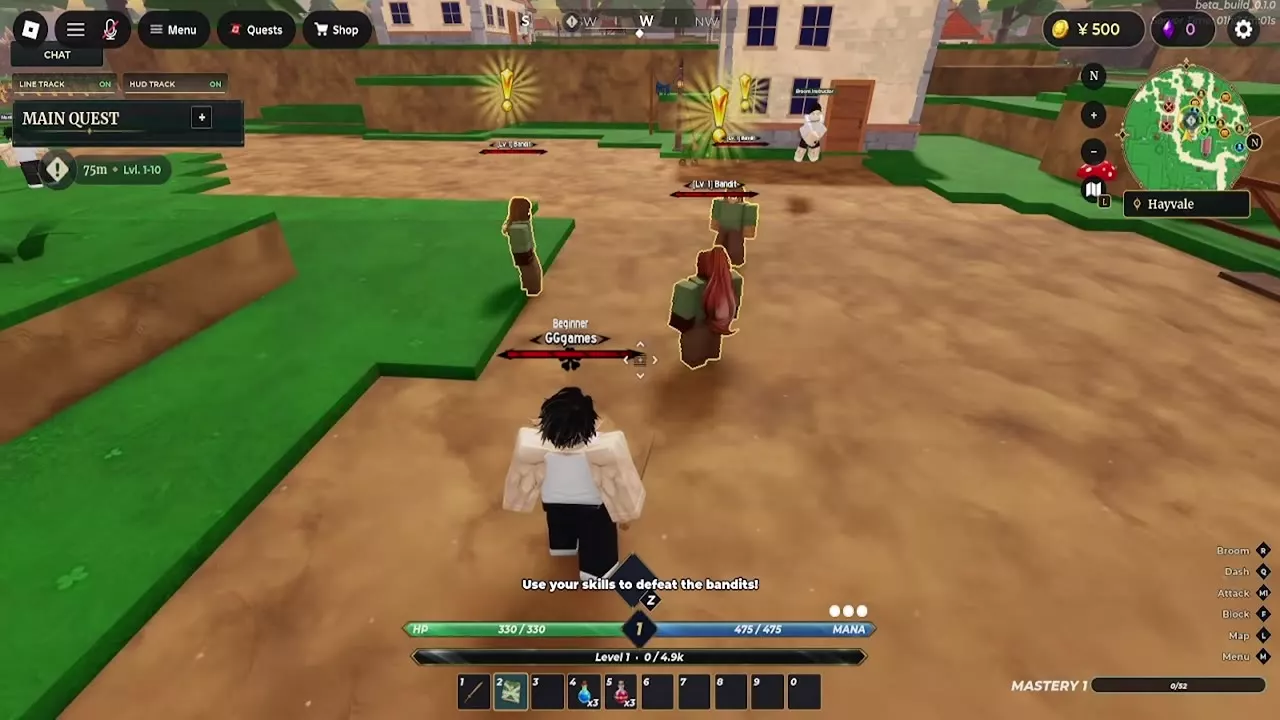
- Charged skills. Hold the cast input for a move that charges. If a fire cast is interrupted while Bandits are closing in, switch to your weapon to handle the nearby enemies before trying again.
- Ground-targeted skills. With Bone equipped and Bone Spiral unlocked, press E on PC to bring up the targeting circle. Move the circle over the enemies you want to hit, then cast. Aim at a cluster to catch multiple enemies in the same cast.
For locked skills, see how to train grimoire mastery and unlock moves.
PC, Mobile and Controller Controls
| Action | Platform | Input |
|---|---|---|
| Basic attack | PC | M1 (left click) |
| Equip magic | PC | 2 |
| Cast a skill | PC | Active hotbar key |
| Block | PC | F |
| Open menu | PC | M |
| Open world map | PC | L |
| Open player list | PC | Tab |
| Run | PC | Hold Ctrl |
| Dash | PC | Q |
| Interact | PC | E |
| Search the starter chest | PC | Hold E |
| Equip magic | Mobile | Tap Magic |
| Cast a skill | Mobile | Tap the skill button |
| Activate awakened spirit form | Mobile | Tap G |
| Drink a potion | Mobile | Tap slot, then Attack |
| Drink a potion | Controller | Select slot, then R2 |
| Toggle cursor | PlayStation | Touchpad |
| Toggle cursor | Xbox | View |
The PC magic prompt lists Z, X, C, V, E, B, and G. Follow the binds shown for your active skills. Use E when an interaction prompt appears and hold it when the prompt calls for a hold. Finish the dialogue before opening the menu. In Update 1.1, you can toggle Shift Lock with the player list or another window open.
Mana Skin and the Volcano Ascent
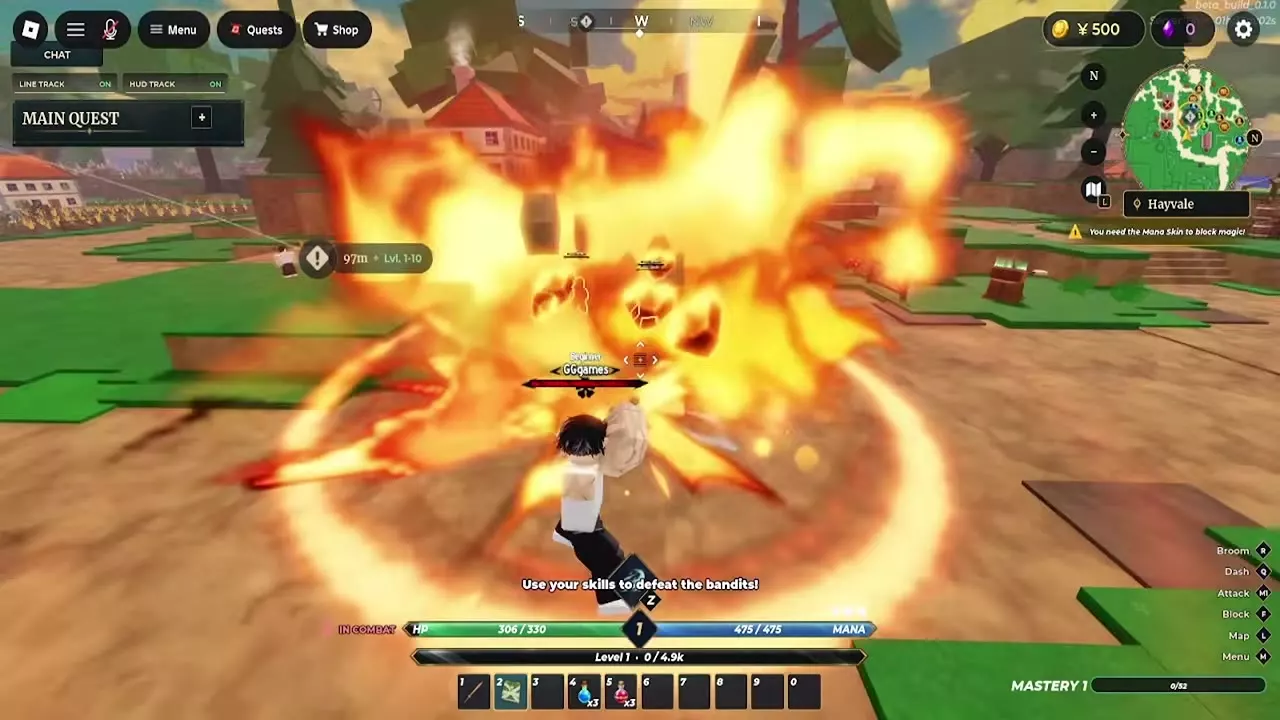
Reach Volcano Quest in Story Mode to learn Mana Skin.
- Follow the active Volcano Quest objective to the volcano.
- Dismount if you're on a broom and climb the volcano on foot.
- Finish the ascent and complete the quest's Mana Skin objective. Once you've learned Mana Skin, use your guard against incoming magic.
Some elemental mages also use Mana Skin and take reduced magic damage. If your spells are doing less damage against one of these mages, try weapon attacks when you can safely get within reach.
Attack, Dodge and Recover
React to boss attacks
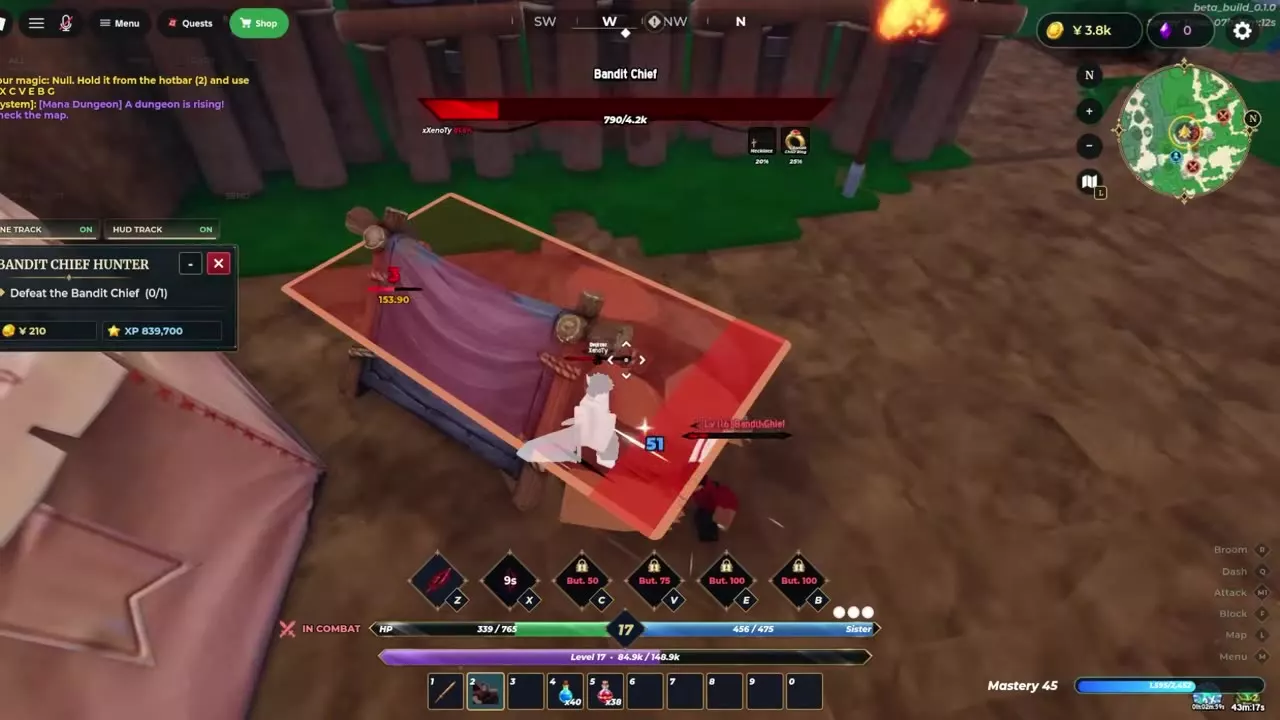
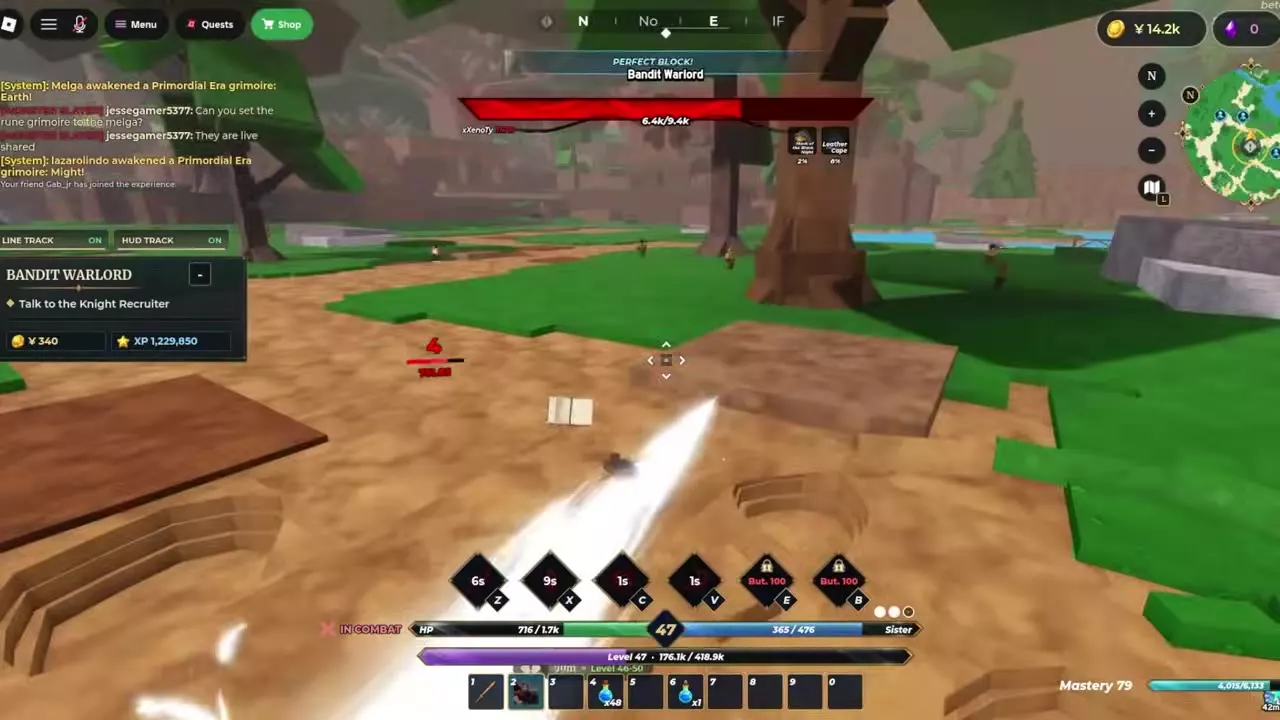
When the Bandit Chief or Bandit Warlord marks the ground red, step or dash past the edge of the marked area before the hit lands. Once you're clear, use weapon attacks within reach while your spells are on cooldown. Guard against blockable attacks. PERFECT BLOCK confirms a well-timed guard.
Keep regular enemies near their spawn
Under the November 8 combat rules, regular enemies retaliate after you attack them. If a Rifle shot displays EVADE, the enemy is too far from its own spawn. Fight it closer to where it spawned. Rifle range is 100 studs, with one shot per second.
Resume your job after respawning
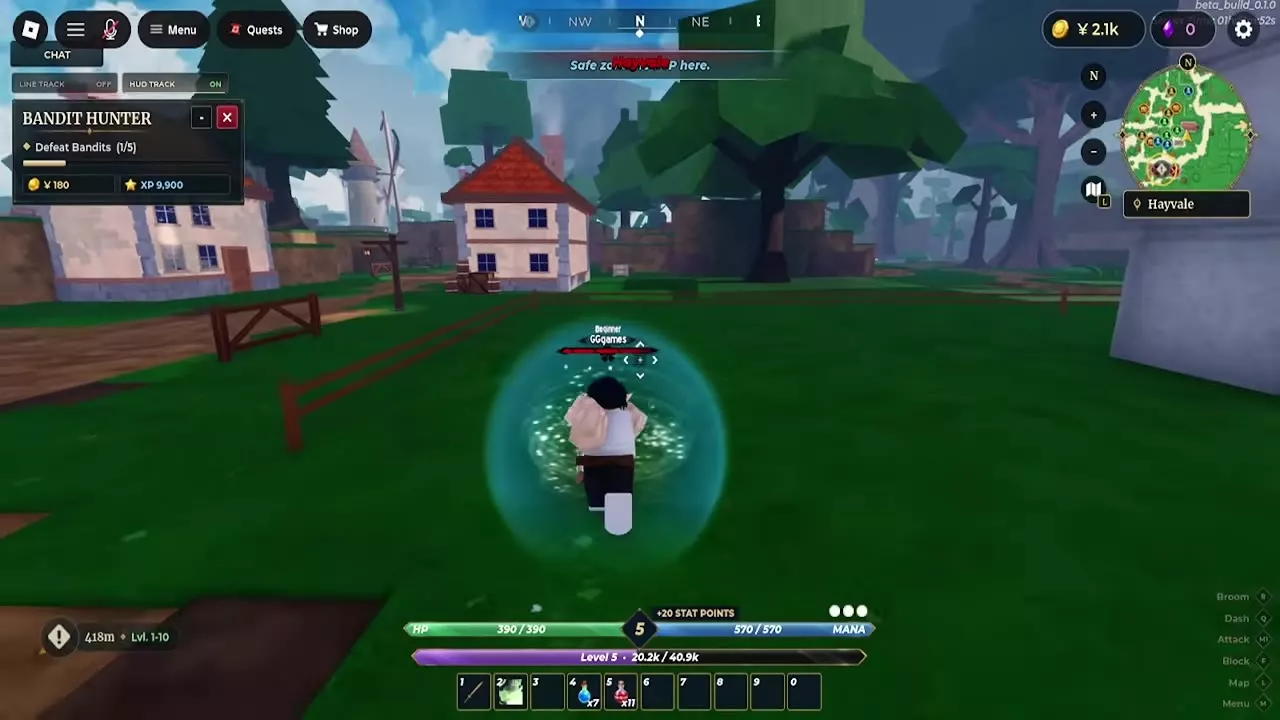
If you die during a job, check the objective counter when you return to your spawn. In a Hayvale Bandit Hunter run, the death screen displayed a five-second countdown and a RESPAWN button. The character returned to Hayvale at full health with the job still at 1/5 Bandits, so four kills remained.
Mana Cover and Jump V2
Mana Cover
In Update 1.1, Mana Cover increases M1 damage by 15% while active. It benefits weapon-focused builds and gives your basic attacks more damage between spell casts.
Jump V2
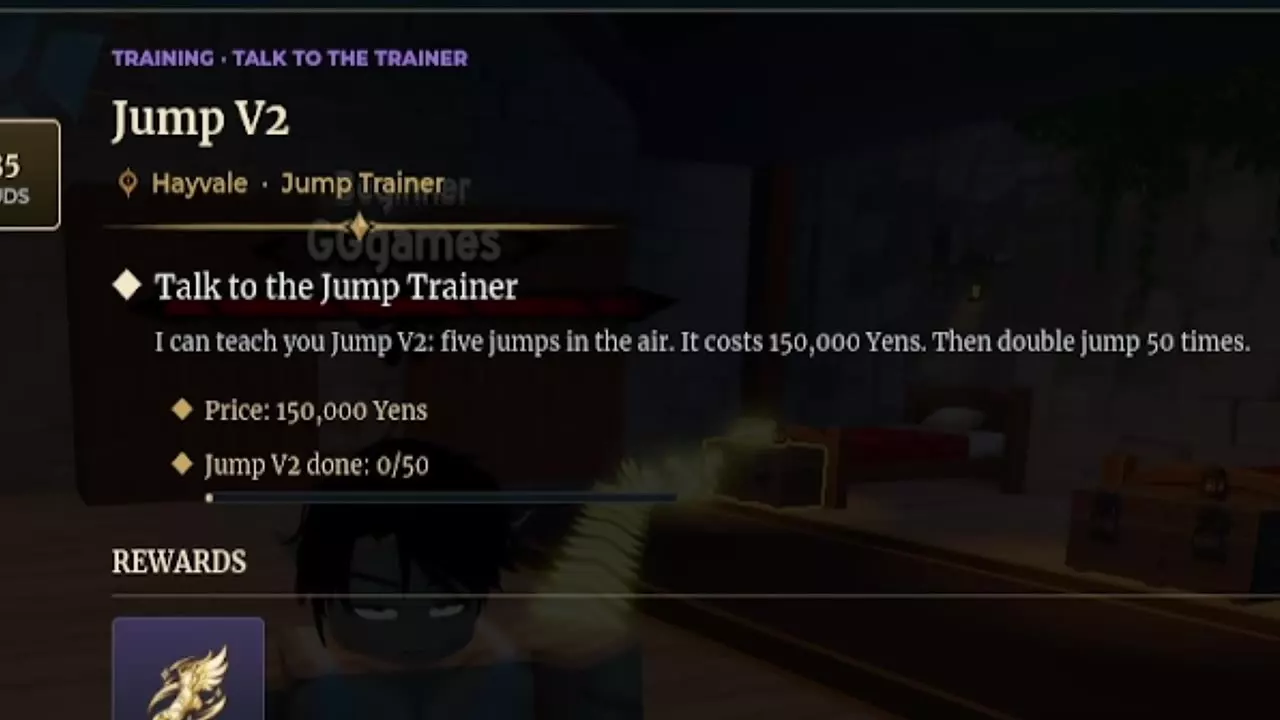
Open Quests → Training → Jump V2 to see the trainer objective, price, and double-jump counter. When the trainer is available, speak to the Jump Trainer in Hayvale, pay 150,000 Yens, then do 50 double jumps. Completing the training unlocks five jumps in the air.
The November 9 update temporarily removed both the Jump V2 and Dash V2 trainers and scheduled their return for the Water Kingdom update. The Training tab can still show Jump V2's requirements during the removal.
Stats, Builds and Flight
- Prioritize Strength for weapon damage or Magic for grimoire skills. For manual allocation, Auto Pass, and resets, see how to spend stat points.
- Choose gear and skills around how you want to fight, whether you're leaning on basic attacks, casting spells, or attacking bosses at range. See combat builds for each playstyle.
- Once Basic Flight is unlocked, hold Alt on PC or tap Dash on mobile to speed up on your broom. Boosting uses Mana, and R dismounts on PC. To unlock flight, see broom flight training.