
Grimoires Era Character Slots and Customization
Manage character saves from the main menu, then visit Ayla in Hayvale to customize the character you are playing.
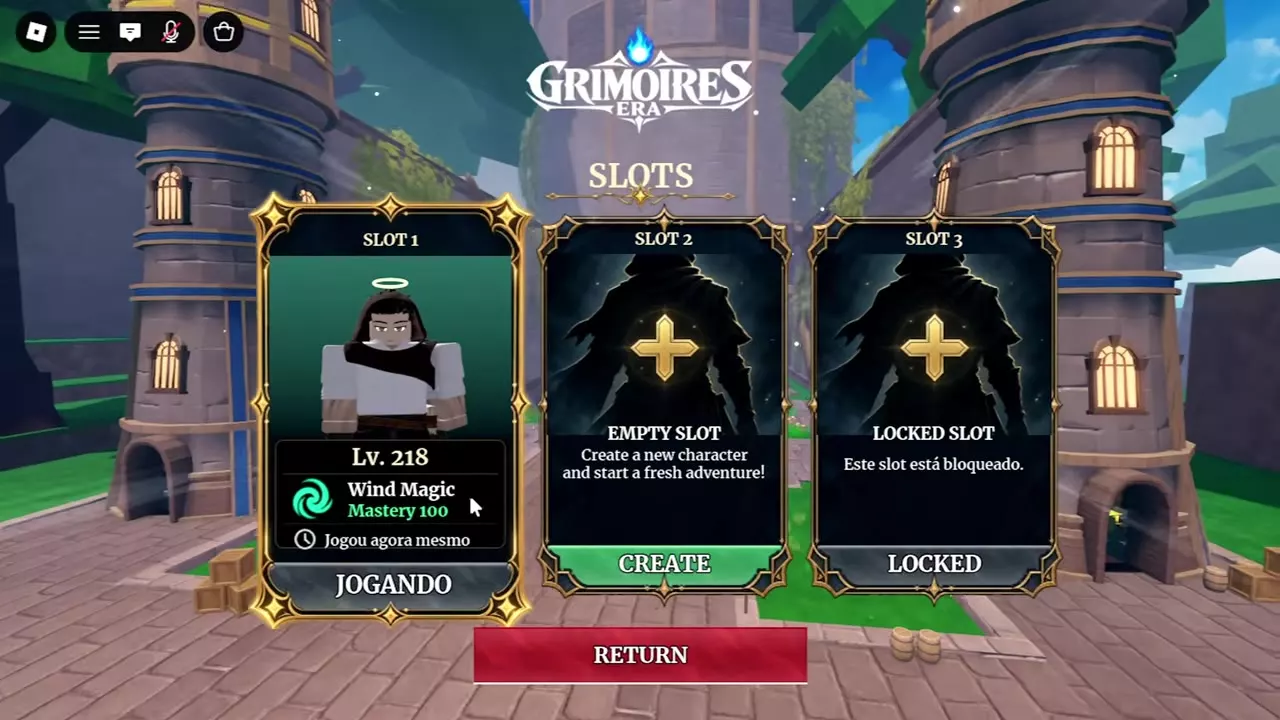
Open Slots on the main menu to select a save, create a character in an empty slot, or unlock another slot. To change your appearance, find Ayla beside the Fast Travel point near Hayvale’s starting church, edit your look, and choose Save.
Character Saves and Appearance
The Slots menu manages separate character saves. The save marked Playing is the active character. Ayla’s appearance editor changes the look of the character you are playing.
Create, Select and Unlock Slots
- If you are in the world, open the player menu and choose Return to Home. On PC, press M to open the menu.
- Use the main menu arrows to find Slots. Identify an occupied save by its level, magic, Mastery, and last-played information.
- Choose the action for the slot: select an occupied save to switch characters, choose Create on an Empty Slot to start a new character, or use Unlock to purchase a locked slot.
- After selecting an existing save, return to the main menu and choose Play to enter the world with the active character.
Check each slot’s label before choosing it: an empty slot is ready for Create, while a locked slot must be unlocked first.
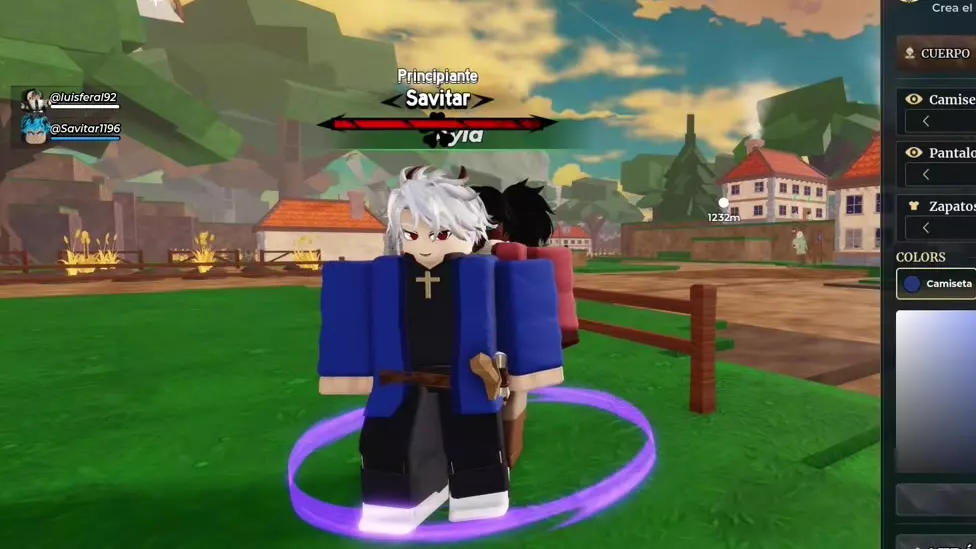
Customize at Ayla
Find Ayla beside the Fast Travel point near the starting church in Hayvale. The world map can help you find the village and its services.
- Approach Ayla and press E on your keyboard to open the appearance editor.
- Adjust your face, hair, and body, then browse shirt, pants, and shoe styles in the character preview.
- Select the shirt, second shirt, pants, or shoes color, then use the color picker or swatches to set it.
- Use Hide Equipped to preview the look with equipped gear hidden. Choose Save to keep your choices, or Back to leave the editor.
Outfit and Accessory Visibility
In Update 1.1, selecting the Feminine torso displays it in the preview and gives outfits their female versions. Hide Accessories hides accessories while keeping the shirt and pants visible.
For an Asta-inspired look, use the face, hair, and clothing controls for the base character. The red-and-black wing and effects belong to Null Devil Form.
Servers and Null Devil Form
Choose a public server, find a friend, or join with a private server code when you are ready to play. For the combat form behind the red-and-black effects, see Null Devil Form and other transformations.